
Boarding pass organiser
All your boarding passes, ready at the gate.
Keep every passenger's pass in one place, show the barcode full-screen with their name on top, and see everyone's seats at a glance — even with no signal. No more scrambling through emails in the security queue.
Free essentials · iPhone & Android · Or try it on the web
UK-based · Works offline · Your passes stay private to your trip.
Show at gate
The barcode, full-screen, with the right name on top.
Tap a boarding pass and Show at gatefills the screen with the barcode and turns the brightness up so it scans first time. The passenger's name is large at the top — no mix-ups when you're holding five passes.
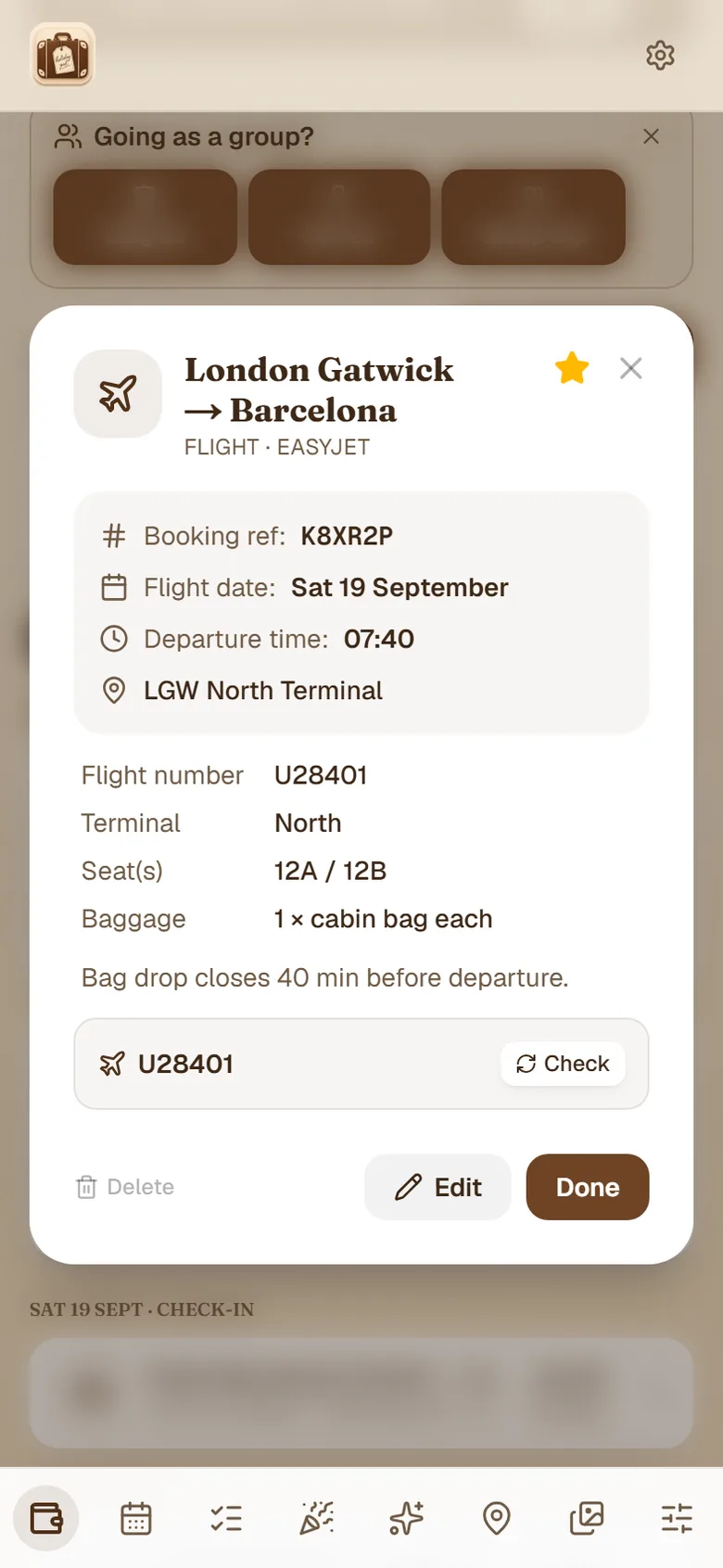
Seats at a glance
Who's sitting where, in one tap.
Tap Seatsand everyone's seat number is right there in big, clear type — pulled straight from the flight booking. Know instantly if you're together or need to ask to swap before you board.
Full-screen gate view
The barcode fills the screen with a brightness boost, so it scans cleanly first time.
Name on every pass
Each pass shows the passenger's name large — clear whose is whose on a group trip.
All the seats together
Everyone's seat numbers in one view, pulled from the booking.
Flight tracking on Plus
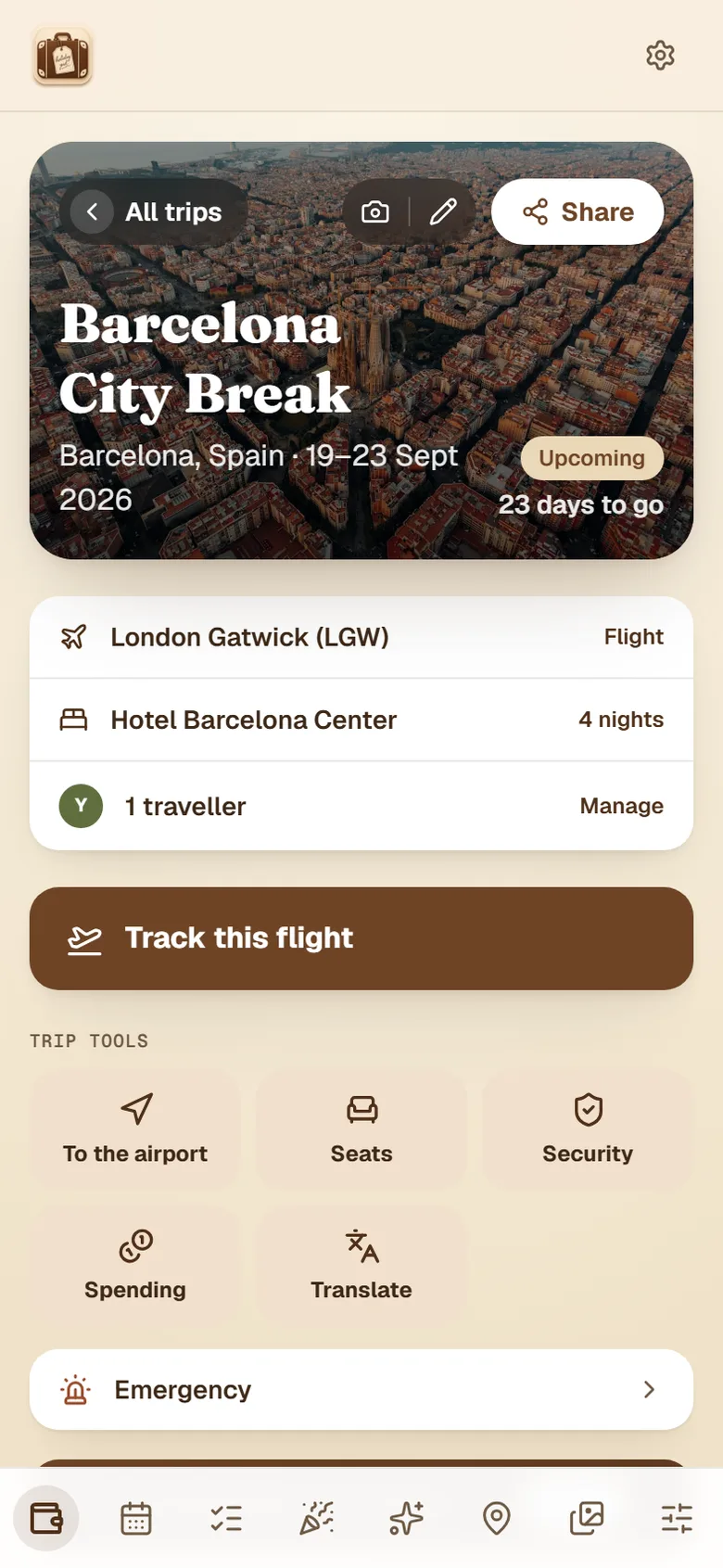
Live status, terminal and gate from your flight number, right next to the pass — a Plus feature.
Learn moreWorks offline
Your passes are there with no signal — airport Wi-Fi or roaming not required.
Learn moreBrightness handled
The gate view brightens the screen for you, so the scanner reads it straight away.
Why keep your boarding passes in one place?
At the airport, your boarding pass is the one thing you can't afford to lose — and it's usually the hardest to find. It's buried in a confirmation email, screenshotted somewhere in your camera roll, or locked inside an airline app you have to log into over patchy terminal Wi-Fi. A dedicated boarding pass organiser keeps every pass for a trip in one place, so when you reach the gate you tap once instead of scrolling through your inbox in the queue.
HolidayPal stores each passenger's pass against the right trip, sitting alongside the flight, seat and gate so the whole journey lives together — not scattered across five different apps. It's a free travel wallet first, so your hotel, transfers and tickets are right there next to the passes too.
Show at gate: the barcode, full-screen, first time
Tapping a pass opens a dedicated Show at gateview: the barcode fills the screen and the brightness nudges up, so the gate scanner reads it cleanly on the first try — no fumbling to turn your screen brightness up with a queue behind you. The passenger's name sits large at the top, which matters more than people expect: when you're holding four or five passes for the family, you can hand each person the right one at a glance instead of squinting at tiny print.
One pass each — for the whole family or group
Family and group travel is where a boarding pass app earns its keep. Store a pass for every traveller, each clearly labelled, and on a shared trip everyone sees the passes on their own phone — so the organiser isn't the single point of failure holding everyone's documents. Pair it with the seats view, which lists everyone's seat numbers in one place, and you know before you board whether you're together or need to ask to swap. It works the same for a family holiday or a group trip.
Add a pass in seconds — and reach it with no signal
Adding passes is quick: scan the PDF or screenshot, forward the airline email, or upload the file — HolidayPal keeps boarding passes near full resolution so the barcode still scans from your screen at the gate. Because the app works offline, your passes and the rest of your essentials are there even when the airport Wi-Fi drops or you've turned roaming off abroad. No login, no loading spinner, no "please connect to the internet" at the worst possible moment.
Boarding pass organiser — common questions
What's the best app to organise boarding passes?+
HolidayPal keeps every passenger's boarding pass in one trip, shows the barcode full-screen at the gate with the name large on top, and lists everyone's seats at a glance. It's free to start and works offline, so a flat signal at the airport doesn't matter.
Can I keep boarding passes for the whole family or group?+
Yes. Store each person's pass with their name, and on a shared trip everyone sees the passes on their own phone. At the gate you tap a pass and the passenger's name is large at the top, so there's never a 'whose is this?'.
Will the barcode actually scan from the screen?+
Boarding passes are stored near full resolution and the 'Show at gate' view fills the screen and nudges the brightness up, so the gate reader picks up the barcode cleanly.
Does it work without signal at the airport?+
Yes — your passes and essentials are available offline, so you're not stuck if the airport Wi-Fi drops or you've turned off roaming.
Can I see everyone's seats together?+
Tap Seats and every traveller's seat number is shown in big, clear type, pulled from the flight booking — so you know straight away whether you're together or scattered.
Can I store boarding passes for connecting flights?+
Yes. Each flight segment is stored as its own pass, so a journey with a connection keeps the outbound, the connecting leg and the return as separate, clearly labelled passes — all in the one trip.
Do I still need the airline app?+
Not to show your pass. Once a boarding pass is in HolidayPal you can show the barcode at the gate without logging into the airline app over airport Wi-Fi. You may still want the airline app for live gate changes, which HolidayPal also tracks from your flight number.
When do boarding passes become available?+
When online check-in opens — usually 24 to 48 hours before departure, and sometimes earlier if you've reserved a seat. See our full guide on when boarding passes become available for the typical windows on Ryanair, easyJet, British Airways, Jet2 and Wizz Air.
Glide through the gate.
Every pass and seat in your pocket — free, and there even with no signal.
Free essentials · iPhone & Android · Or try it on the web
All the airport tools When do boarding passes become available?