Kids mode
A holiday mode just for the kids.
Hand your child the phone and they get a playful, safe version of the trip — a holiday countdown they'll check every day, screen-free games for the journey, badges, jokes and fun facts — while your bookings, money and settings stay hidden. It's built into the free HolidayPal app, and most of it works with no signal.
Free essentials · iPhone & Android · Or try it on the web
Free · Works offline · Lockable with a grown-up code
Counting down
A countdown they'll check every day.
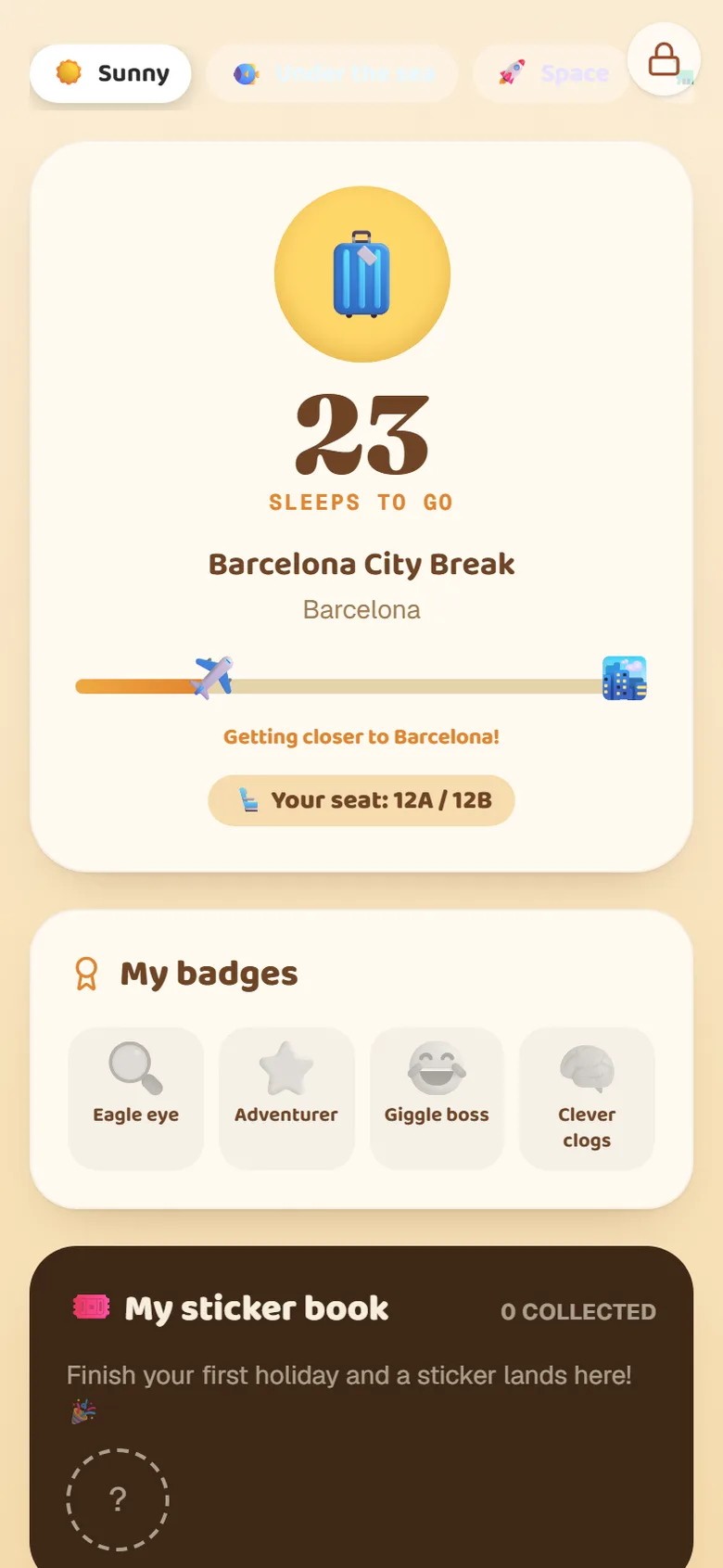
A big "5 sleeps to go!" countdown with a little plane inching toward the holiday, and their own seat number — so a small person feels part of the trip and gets excited every single day before you go.
Make it theirs
Themes that restyle the whole screen.
Space, dinosaurs, under the sea, castle, jungle or sunny — picking a theme changes the background, the big countdown face and their badges. A dino-mad kid gets a fully dino screen with a 🦕 countdown and dinosaur badges to collect.
On the plane
Screen-free fun, even with no signal.
Spot-it travel bingo tuned to your trip, jokes that always land, and short fun facts about each day's plan — all working completely offline. It keeps them busy on the flight without burning your roaming data or handing over endless videos.
A countdown they'll love
A big "5 sleeps to go!" countdown with a little plane or car inching toward the holiday — and their seat number, so they feel part of it.
Pick-your-own themes
Sunny, Under the sea, Space, Dino, Castle or Jungle — choosing a theme restyles the whole screen, including the badges and the countdown face.
Spot-it travel bingo
A tick-off list of things to spot on the way — tuned to your trip (clouds and a sandcastle for a beach flight, sheep and streams for the countryside). Works offline.
Badges & confetti
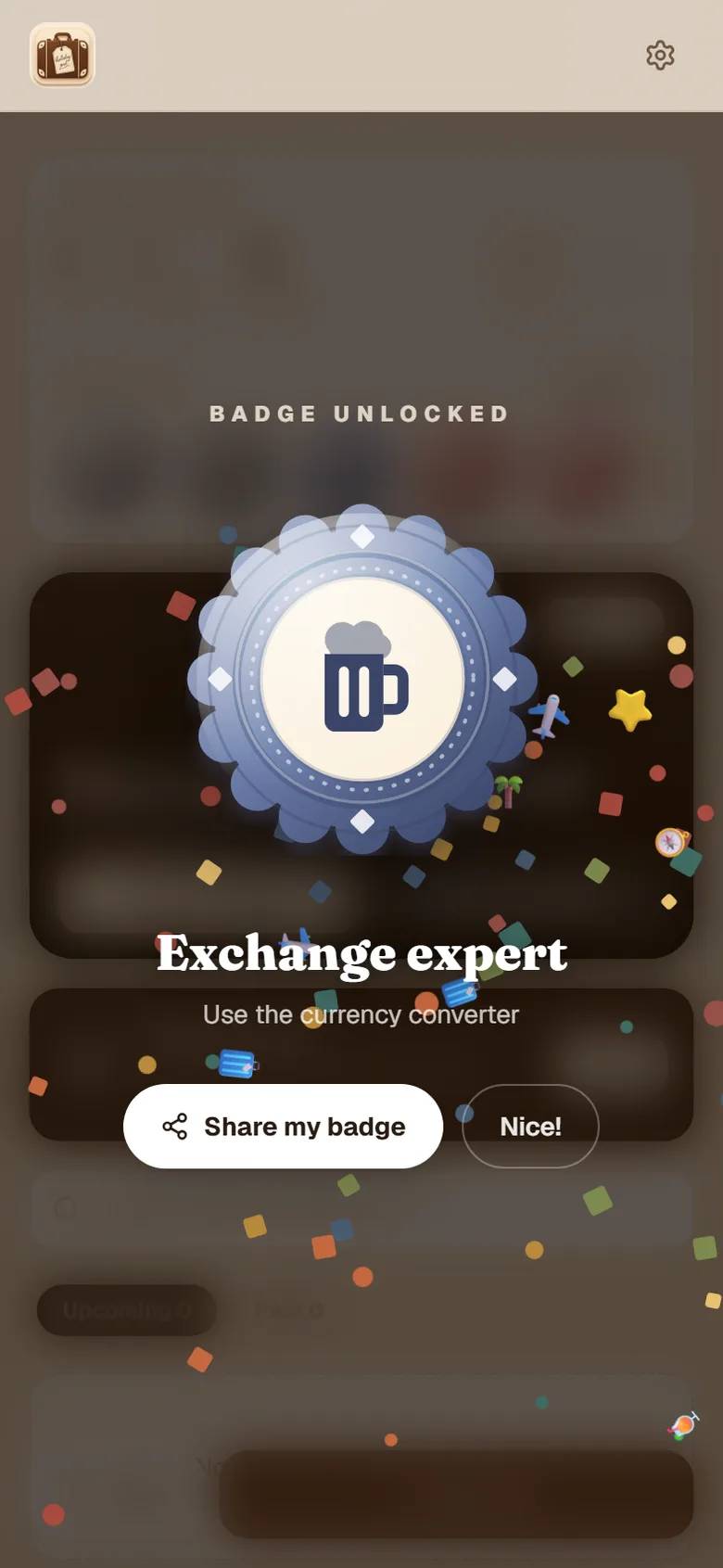
Kids earn their own badges — Eagle eye, Adventurer, Giggle boss, Clever clogs — that burst with confetti the moment they're won.
Fun calendar + facts
Add a plan like "castle visit" and Kids Mode gives them fun facts about it — a little learning baked into the excitement.
Photos you choose
Share a hand-picked set of holiday photos into Kids Mode — not your whole camera roll.
How to turn on Kids Mode
It takes about ten seconds, right from the app — no separate download.
Open Settings
In the app, tap the ⚙️ settings icon at the top.
Set a code (optional)
Under Kids mode, add a 4-digit grown-up code so they can't leave it.
Start kids mode
Tap Start kids mode and hand over the phone.
Come back any time
Tap the 🔒 lock top-right and enter your code to return to the full app.
Tip: in the family holiday Highlights tab, tap the toggle on any photo to share it into Kids Mode.
Screen-free fun for the journey
The hardest part of any family trip is the bit before the holiday actually starts — the airport queue, the flight, the long drive. HolidayPal's Kids Mode is built for exactly that. The Spot-it travel bingo, the jokes, the badges and the countdown all work with no signal at all, so your child stays busy on the plane without you handing over endless videos or burning your roaming data. It's playful, not passive — they're looking out of the window for clouds and sandcastles, not staring at a feed.
Safe by design — they can't reach the grown-up stuff
Kids Mode is a full takeover, not just a tab. When it's on, your bookings, boarding passes, budget, the AI assistant and your settings are completely hidden — there's nothing for little fingers to delete or buy. Add an optional 4-digit code and they can't even leave Kids Mode without you. It's the peace of mind that lets you actually hand over your phone.
A theme for every kind of kid
Every child has a thing — space, dinosaurs, under the sea, castles. So Kids Mode lets them pick a theme, and it restyles the whole screen: the background, the big countdown face and even their badges all change to match. A dino-mad five-year-old gets a fully dino screen, with a 🦕 countdown and dinosaur badges to collect. It's a small thing that makes the app feel like theirs.
A little learning, baked in
When you add a plan to the trip — a castle visit, a boat trip, a day at the beach — Kids Mode can serve up short, exciting, kid-friendly facts about it. It turns "we're going to a castle" into "did you know castles had secret passages?" — the kind of thing that gets a child genuinely excited about where they're going. It's fetched once and then works offline, so it's ready on the plane.
Kids Mode — common questions
Is Kids Mode free?+
Yes — it's part of the free HolidayPal app. The countdown, themes, Spot-it games, badges, confetti and jokes are all free and work offline. The AI bits (kid fun-facts about each day's plan) use HolidayPal Plus.
Does it work on a plane with no signal?+
Yes — that's the whole point. The countdown, Spot-it travel bingo, jokes, badges and confetti all work completely offline, so they keep a small person busy on the flight or in the car with no wifi.
Can my child mess up my bookings or see my money?+
No. Kids Mode is a full takeover that only shows the playful stuff — countdown, games, photos and facts. Your bookings, boarding passes, budget, AI assistant and settings are all hidden. You can lock it with a 4-digit grown-up code so they can't leave it either.
What age is it for?+
Roughly ages 3–10. Younger kids love the countdown and Spot-it; older ones enjoy the badges, jokes and fun-facts about where you're going.
How do the photos work — does it show all of them?+
Only the ones you choose. In the Highlights tab you tap a little toggle on each photo to share it into Kids Mode, so your child sees a hand-picked set, not your whole camera roll.
Can they pick how it looks?+
Yes — there's a row of themes (Sunny, Under the sea, Space, Dino, Castle, Jungle). Picking one restyles the whole screen, including the background, the big countdown face and their badges, so a dino-mad kid gets a fully dino screen.
Make the countdown the best part of the trip.
Kids Mode is free and built into HolidayPal. Add your trip and switch it on in seconds.
Free essentials · iPhone & Android · Or try it on the web
Works offline, even on the plane