
How it works
From a messy inbox to one organised trip — in minutes.
HolidayPal brings your whole holiday into one place on your phone. Here's exactly how you go from booking to boarding.
Free essentials · iPhone & Android · Or try it on the web
Step 1 — Create your trip
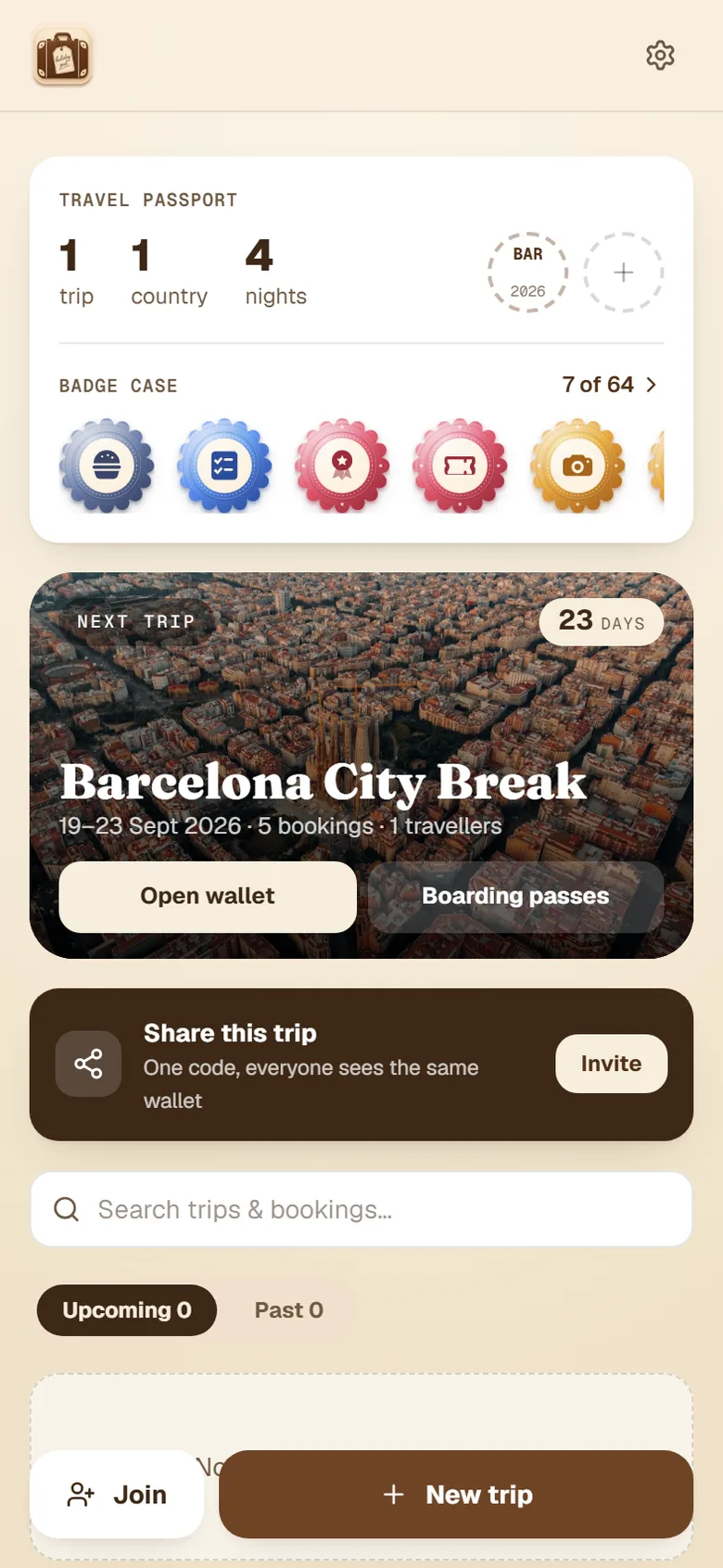
Start with where and when.
Add your destination and dates and HolidayPal sets up your trip — even pulling in a photo of where you're going. Add who's travelling so seats, lists and pronouns all fit your group.
Step 2 — Add your bookings
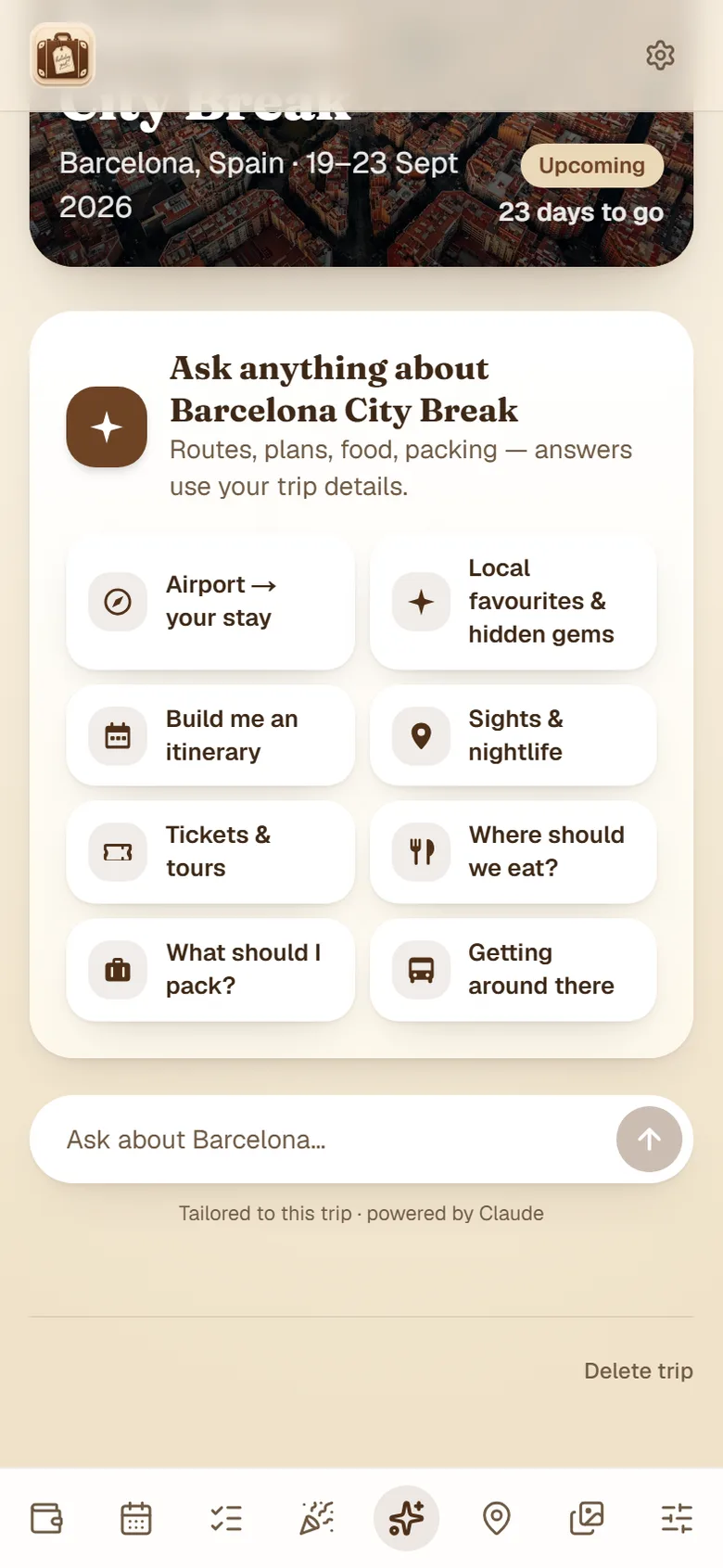
Scan a confirmation and AI fills it in.
Upload a screenshot or PDF of a confirmation and the AI reads it — pulling out the outbound and return flights, accommodation, transfers, seats, gates and booking references into neat cards. Or add anything by hand.
Everything sits in your wallet, sorted and searchable, instead of buried in email.
AI scanning & email forwarding are part of Plus; adding bookings by hand is always free.
Step 3 — Travel with everything ready
Boarding passes, seats and plans in your pocket.
At the airport, tap once for everyone's seats or to show a boarding pass full-screen at the gate. On Plus, live flight tracking shows your gate and any delays. It all works offline, so dodgy airport Wi-Fi doesn't matter.
More on the airport tools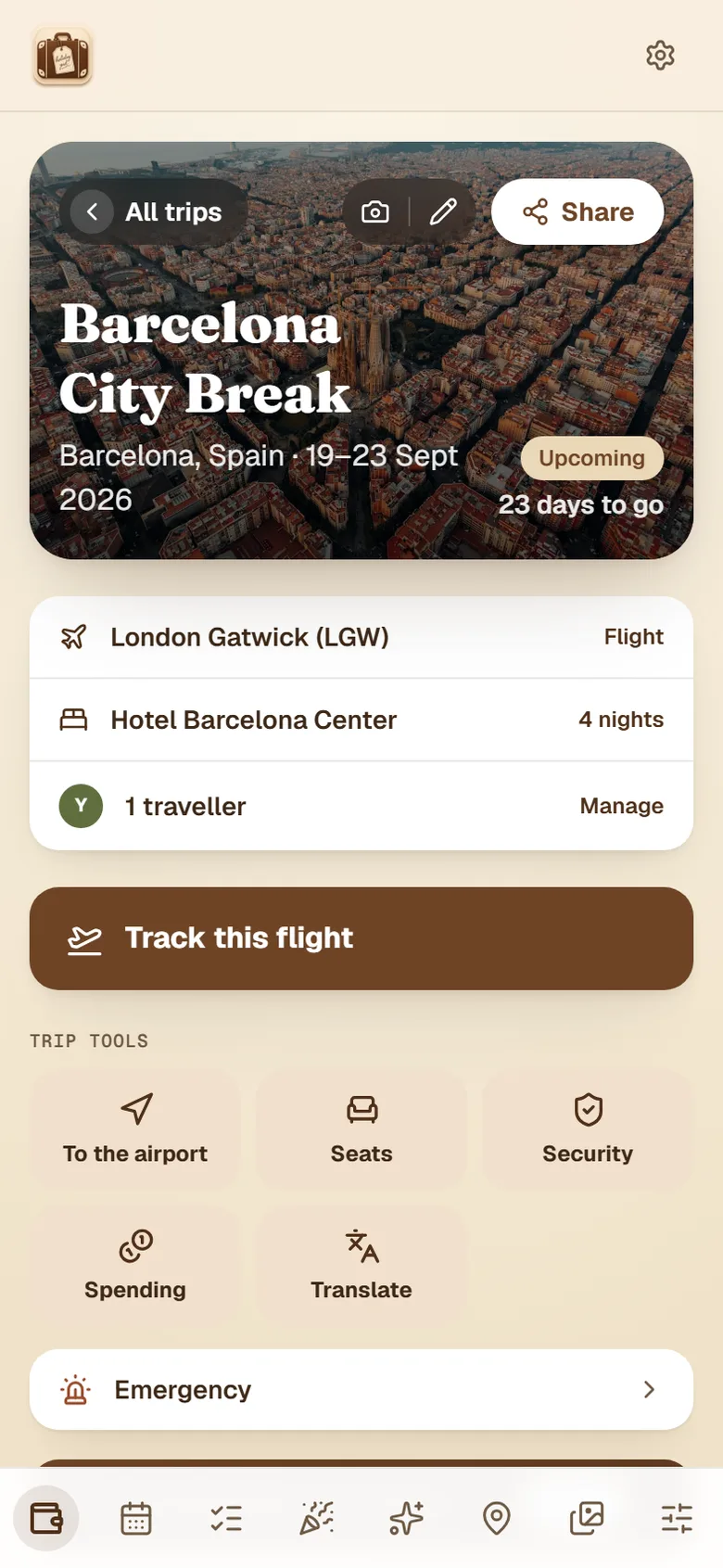
Step 4 — Bring the memories home
Turn the trip into something to keep and share.
Count down to your holiday with a shareable card, save photos and favourite places as you go, then turn the trip into a scrapbook postcard for your stories.
Share the whole trip with family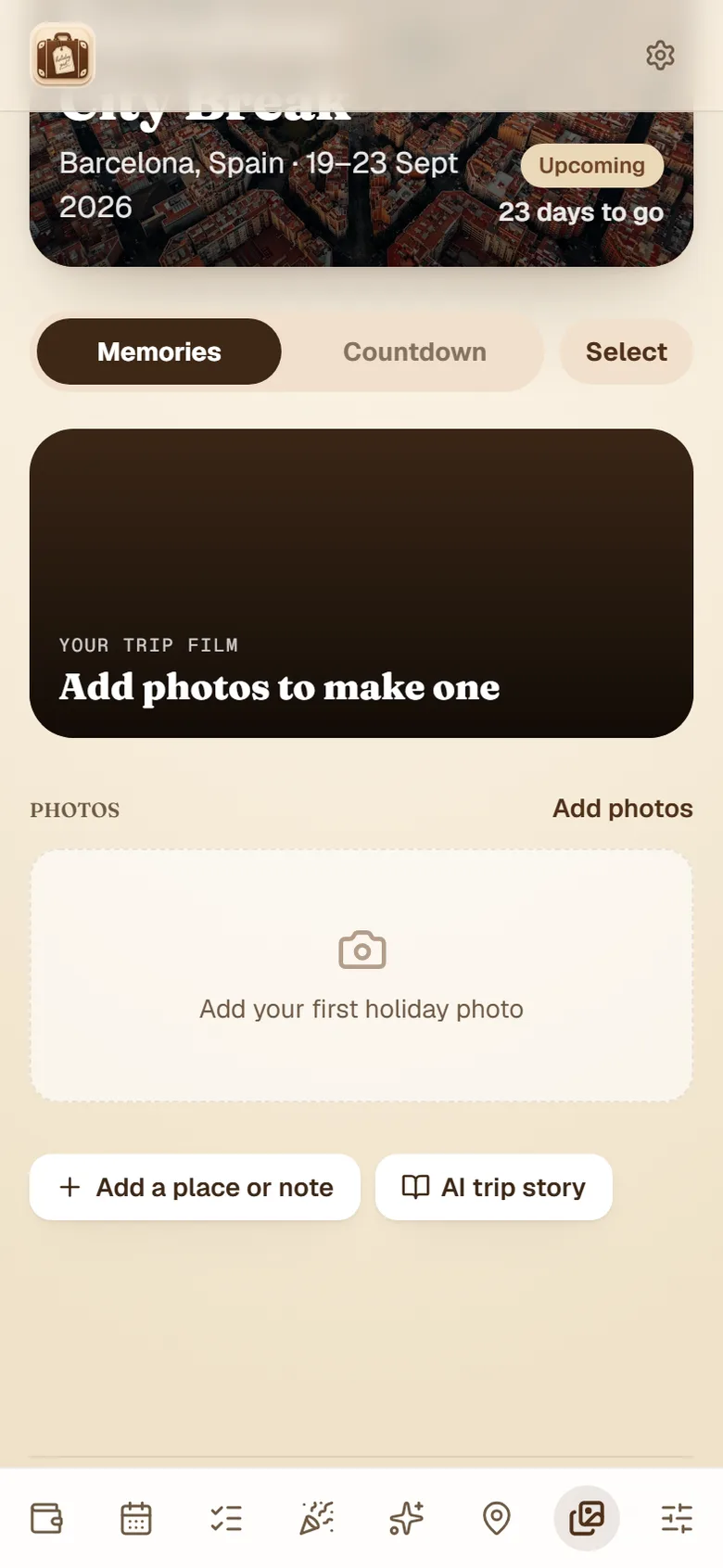
Ready to set up your first trip?
It's free and takes a couple of minutes. Add it to your phone and it works like an app.
Free essentials · iPhone & Android · Or try it on the web