Get the app
Download HolidayPal — free.
HolidayPal is free on the App Store for iPhone and on Google Play for Android — a full native app that keeps your essentials available offline, ready at the gate.
Works like a real app Works offline Free, no sign-up to look around
On iPhone & iPad
Get the free app straight from the App Store.
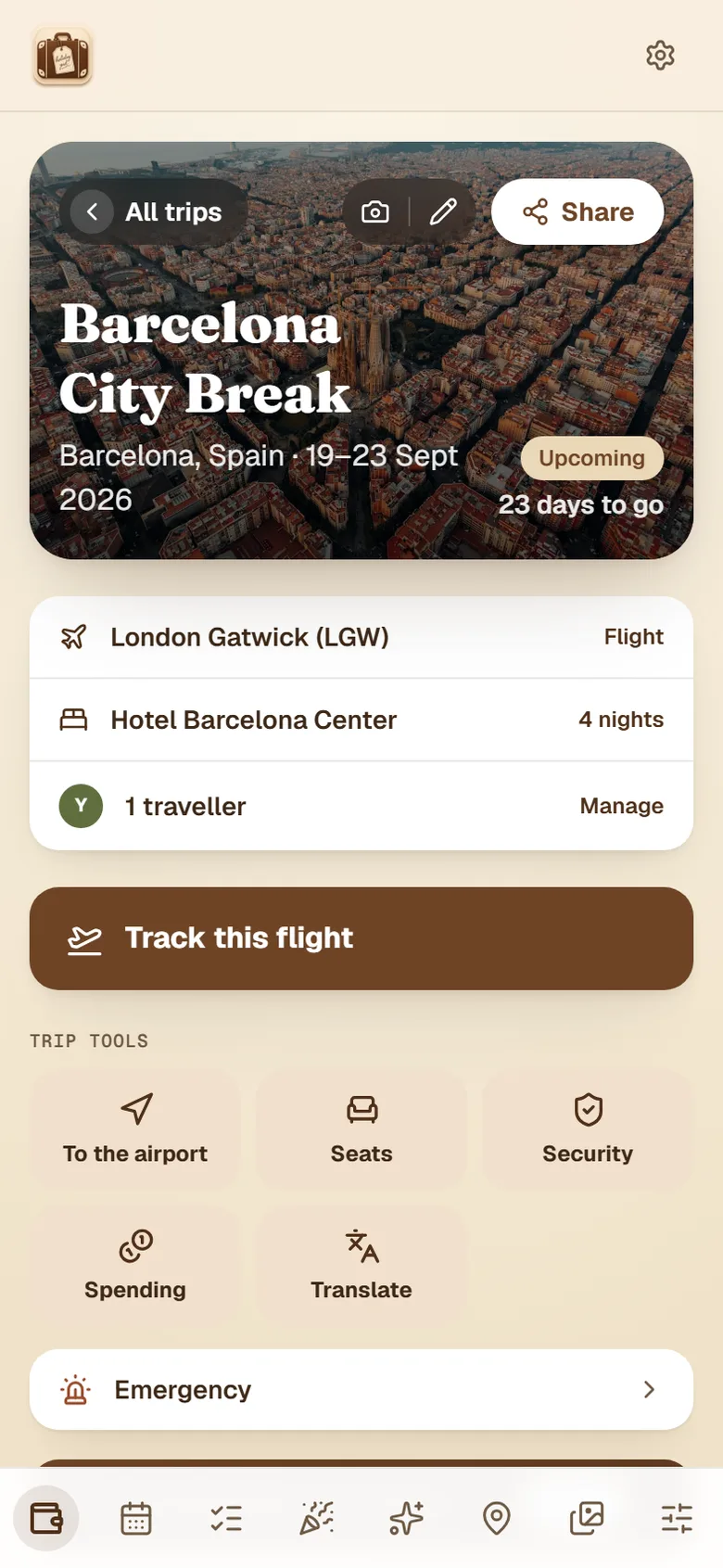
You'll get the full native app — offline-ready boarding passes, live flight tracking, the AI trip assistant and one-tap upgrades to Plus.
On Android
Get the free app straight from Google Play.
You'll get the full app — offline-ready boarding passes, live flight tracking and the AI trip assistant.
Now on the App Store and Google Play
HolidayPal is live on the App Store for iPhone and iPad, and on Google Play for Android — download it free and upgrade to Plus right in the app.